You are two weeks from closing on a home. The rate is locked, the inspection is done, and your moving date is on the calendar. Then your lender emails asking you to sign a Form 4506-C before underwriting can finalize. You have never heard of it. You are not sure what it authorizes, what the IRS will send back, or whether anything in your tax history could create a problem at this stage.
That moment is exactly what this guide is for. Form 4506-C is the form lenders use to pull your tax transcripts directly from the IRS, and how accurately it is completed determines whether the process takes two business days or sends your closing sideways. This guide covers every field, the mistakes that trigger rejections, and what to have ready before you sign.
Getting your tax records organized before a lender requests them is one of the simplest ways to keep a mortgage or loan approval on track. Simplicity Financial’s tax preparation services are available entirely online, helping clients across California and nationwide stay lender-ready year-round.
What Form 4506-C is and When to Request a Transcript

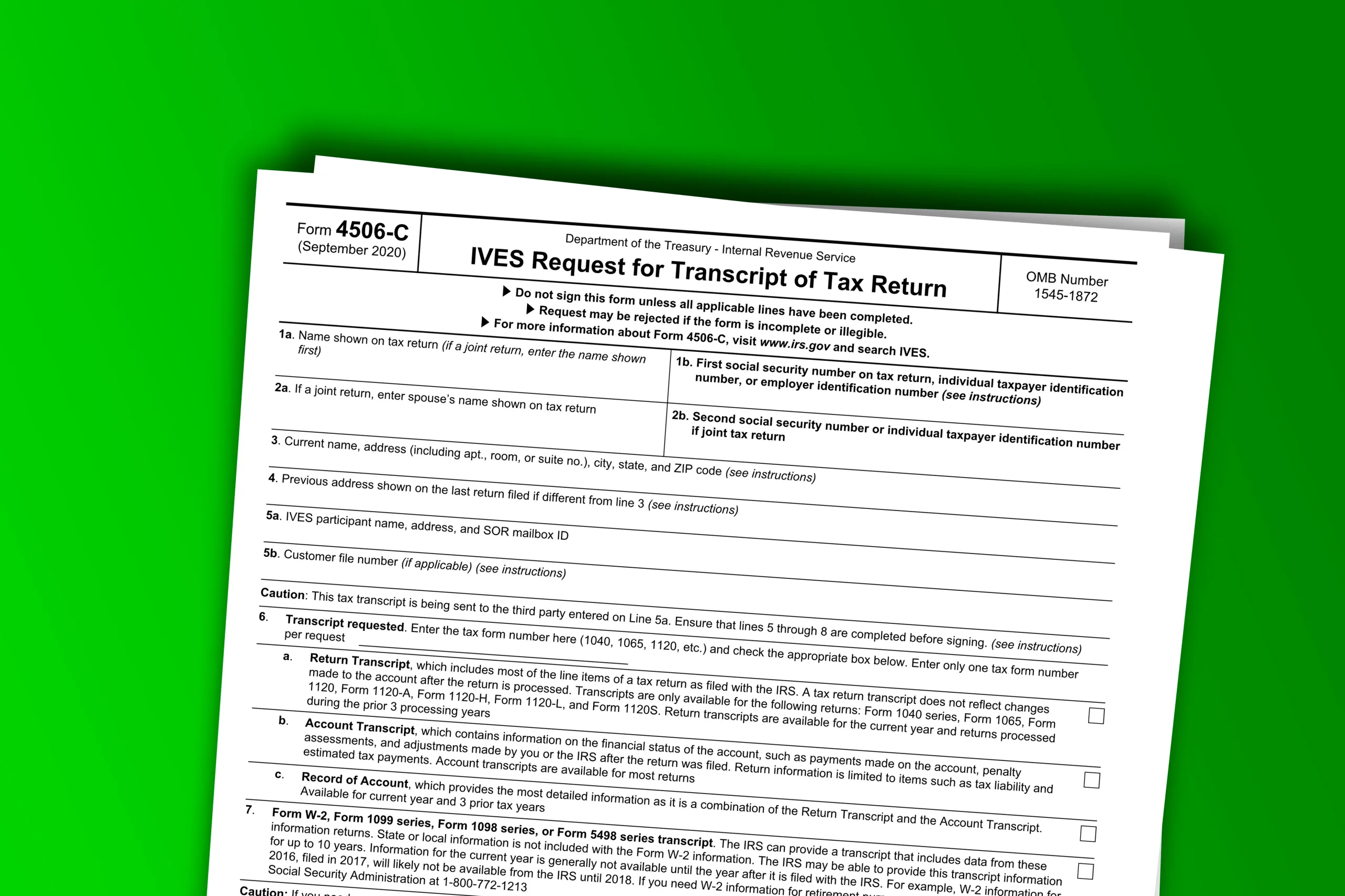
Form 4506-C, officially titled the IVES Request for Transcript of Tax Return, is the IRS form used by authorized lenders, mortgage companies, banks, and credit unions to request tax transcripts directly from the IRS on a borrower’s behalf. Individual borrowers do not submit this form themselves. They sign it, hand it to their lender, and the lender handles the submission through the IRS Income Verification Express Service (IVES) system.
According to the IRS, Form 4506-C replaced Form 4506-T as the only accepted form for IVES submissions effective March 1, 2023. If your lender is still referencing Form 4506-T, flag that before proceeding.
Understanding what the form does helps borrowers see why accuracy matters. When the transcript the IRS returns matches what you reported to your lender, the process is a formality. When there are discrepancies, it creates friction that can delay or complicate a closing.
What You Need Before You Start
Gathering the right information before you begin prevents the most common rejection triggers. Have the following ready before filling out a single field.
- Taxpayer’s full legal name exactly as it appears on the tax return
- Social Security Number (SSN) or Employer Identification Number (EIN)
- Current mailing address and any prior address used on the return if different
- Tax year or years being requested (up to four years allowed per submission)
- The authorized IVES participant’s name and unique IVES participant number
- A clear stated purpose for the request, such as a mortgage application or income verification
One detail that catches people off guard: the taxpayer’s signature must be dated within 120 days of the form’s submission date. Forms signed outside that window will be rejected. An unsigned or improperly dated form is the single most common reason the IRS returns a Form 4506-C.
How to Complete Form 4506-C
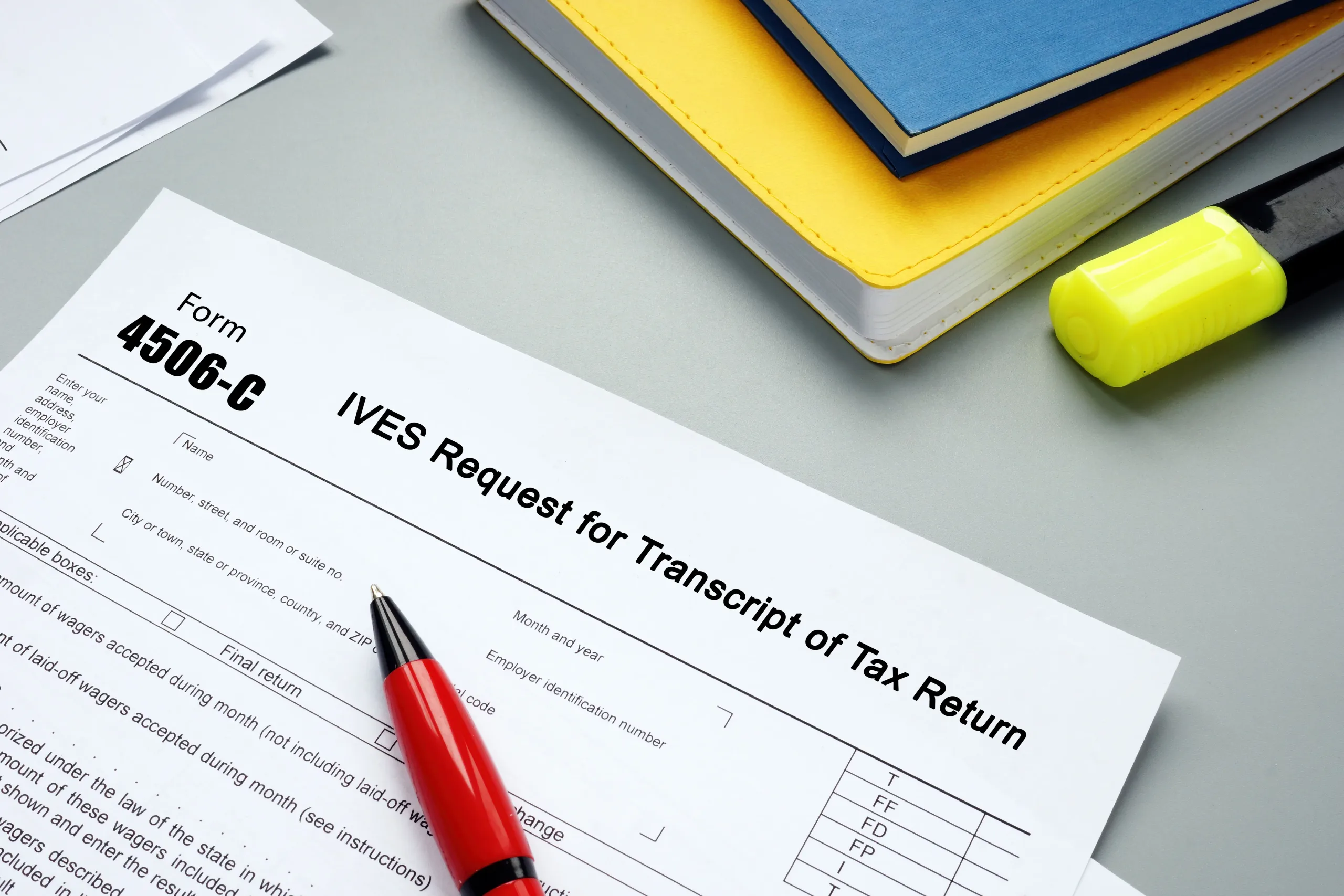
Follow these steps in order. Each one corresponds to a specific section of the form.
1. Enter the taxpayer’s full legal name (Line 1a)
Use the name exactly as it appears on the tax return on file with the IRS. Even minor variations can trigger a rejection.
2. Enter the SSN or EIN (Line 1b)
Double-check this against the actual return. A single transposed digit causes a mismatch and rejection.
3. Enter the second taxpayer’s information if this is a joint return (Lines 2a and 2b)
Enter the second taxpayer’s name in Line 2a and their SSN in Line 2b. Leave these blank for individual returns.
4. Enter the taxpayer’s current mailing address (Lines 3 and 4)
If the address on the most recently filed return differs from the current address, enter the prior address in Line 4.
5. The IVES participant completes Line 5a
The authorized IVES participant enters their name, address, and unique IVES participant number here. This number is required. A submission without it will be rejected. Confirm the number with your lender before the form is submitted.
6. Select the transcript type (Line 6)
Your options are Return Transcript, Account Transcript, Record of Account, or Wage and Income Transcript. Your lender will specify which one they need. If you are unsure, ask before selecting.
7. Enter the specific tax form being requested (Line 6b)
For individual returns, this is Form 1040. Enter whatever form type your lender has specified.
8. Enter the tax year or years (Line 7)
You can request up to four years on a single form. If additional years are needed, a second form is required.
9. Sign and date the form
The taxpayer signs and dates here. Confirm at the time of signing that the date will still fall within the 120-day submission window.
Common Mistakes That Get Form 4506-C Rejected
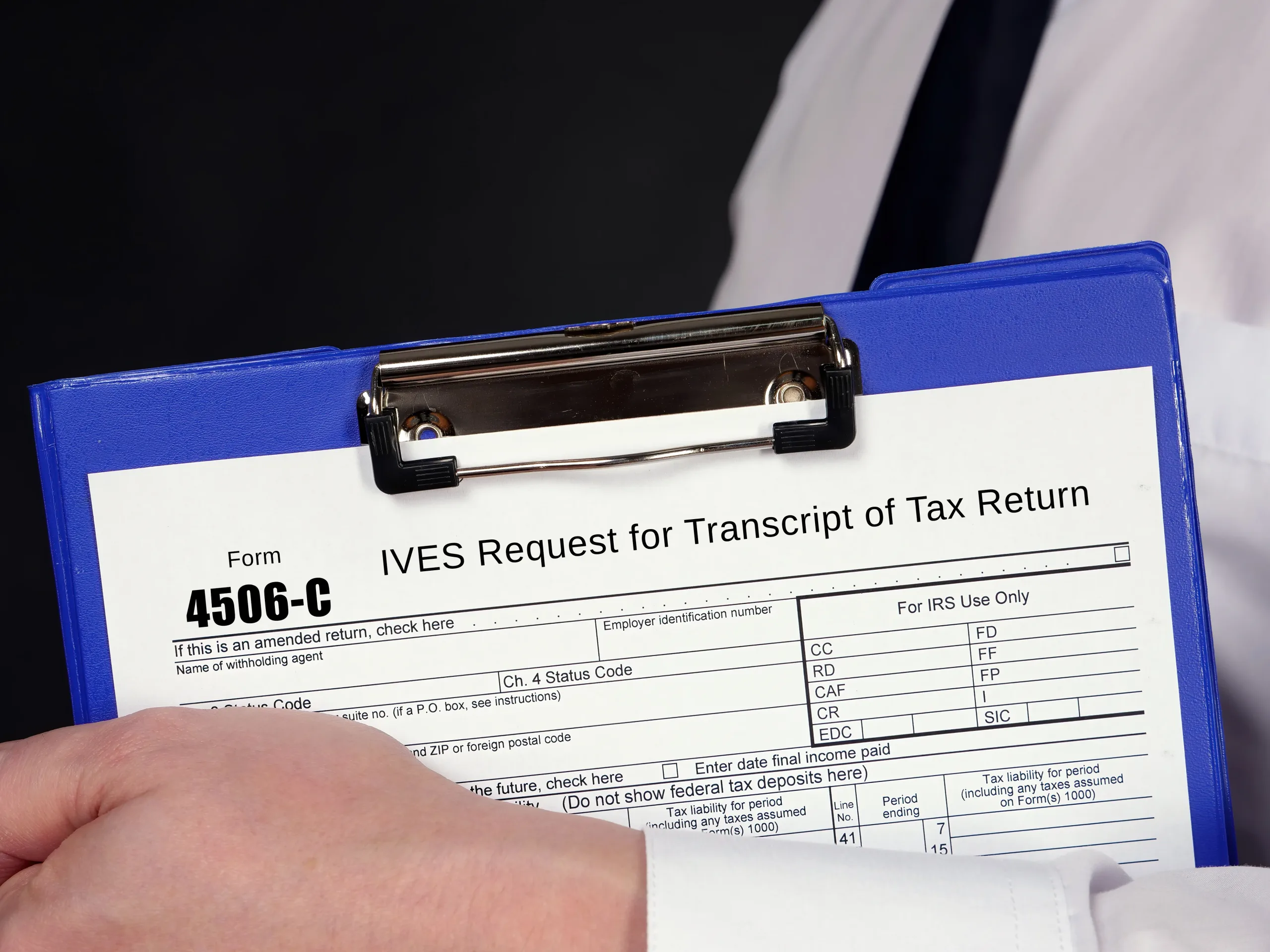
Most IRS rejections come down to a small number of avoidable errors.
- Missing IVES participant number in Line 5a. Confirm the number with your lender before submitting.
- Name or SSN mismatch with IRS records. Verify the name and number against the actual return before completing Line 1.
- Wrong transcript type selected. Ask your lender specifically which transcript type they need before the form is filled out.
- More than four tax years requested on a single form. Submit a second form if additional years are needed.
- Signature dated outside the 120-day window. Check the date at submission, not just at signing.
If your return has been amended, it is worth knowing that amended filings can affect which transcript type is available and what the IRS has on record. See our guide on amending tax returns for more detail on how that process works and what it affects downstream.
Where to Submit Form 4506-C and What Happens Next
Form 4506-C is submitted by the authorized IVES participant through the IRS IVES system, not by the borrower directly. The borrower provides the signed form to the lender, and the lender handles the rest.
For electronic IVES submissions, the IRS typically processes requests within two to three business days. The transcript is delivered directly to the IVES participant. The borrower does not automatically receive a copy unless the lender arranges to share it.
If you need your own tax transcript for personal use, the IRS Get Transcript tool is the appropriate option and is entirely separate from the IVES process.
When a Tax Professional Makes This Process Easier
The form itself is straightforward, but errors cause delays that can push back mortgage closings or stall loan approvals. The pattern is consistent: borrowers whose tax records are accurate and well-organized move through income verification with very little friction. When what was filed with the IRS matches what was reported to the lender, there are no surprises at closing.
Where things get complicated is when returns have errors, inconsistencies across years, or gaps that a lender’s underwriter will flag. Addressing those issues before a loan application is in motion is far easier than resolving them under deadline pressure. Our bookkeeping and accounting services help clients keep their financial records in the kind of shape that makes this process routine rather than stressful.
Form 4506-C is a Formality When Your Records Are in Order
For borrowers with clean, accurate returns, Form 4506-C is a one-page signature on the way to a closing. The preparation that makes it feel that way happens long before the lender asks for it.
Simplicity Financial works with clients entirely online, supporting individuals, self-employed professionals, and small business owners across California and nationwide with tax preparation and year-round financial record keeping. If you want your records lender-ready before you need them, book a free tax prep consultation, and we will take a look at where things stand.
Disclaimer: This article is for general informational purposes only and should not be taken as tax, accounting, legal, or financial advice. Rules can change, and the right approach depends on your specific situation. For guidance related to your personal, business, nonprofit, or ministry finances, speak with a qualified CPA or tax professional.